
How to see cloud code logs on OffParse
Cloud code is the essential part of a parse platform. In this tutorial we will show you how to checkout the cloud code logs and find possible issues.
Basically on OffParse we automatically print all the function calls and trigger calls in cloud code.
If you want to log something manually you can just do console.log('hello world!')
For seeing those logs you will have to user Terminal (Command Prompt on Widows)
Step 1
Go to OffParse Dashboard and click Server Details.
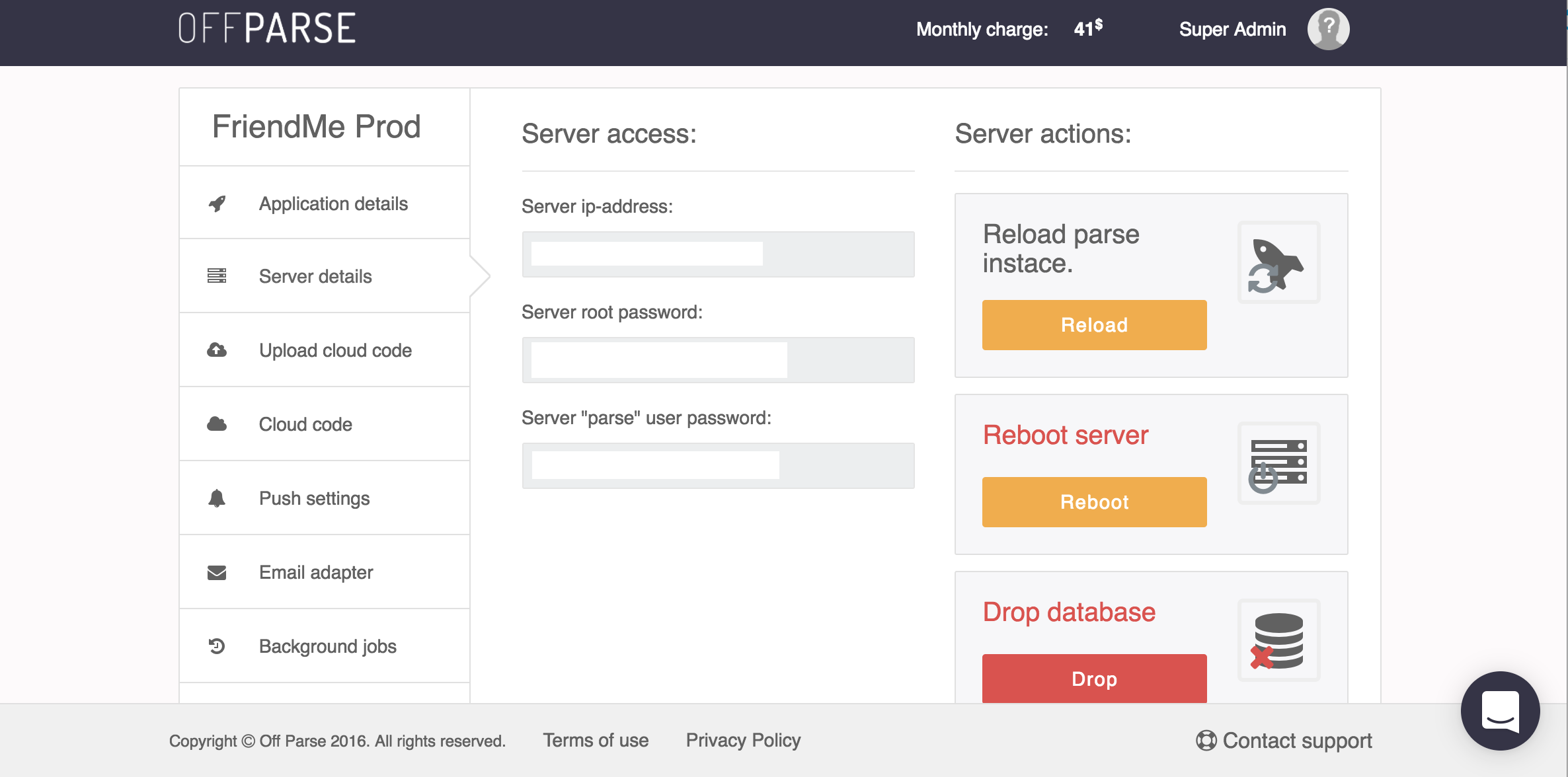
OffParse server has 2 users which you have access to. 'root' user and 'parse' user. Everything connected to Parse Platform can be accessed through 'parse' user
Step 2
Open Terminal and type
ssh parse@YOUR_SERVER_IP
It will ask for your 'parse' user password. Type it in as well.
Now you're in server!
Step 3
Type
pm2 logs
And thats it! It will print all the logs your parse platform outputs in realtime.
· · ·